In this guide
Put the work date, pay-period ending date and payment date on one timeline before trying to explain an unfamiliar paycheck.
Start with a timeline, not a total
A paycheck question often begins with one number: the deposit was smaller than expected, or a shift seems to be missing. But a total is the last step of a chain. Before comparing amounts, identify three dates: when the work happened, when the relevant pay period ended, and when the payment was issued. A single calendar month can contain several different pieces of that chain.
The Department of Labor’s recordkeeping guidance for covered nonexempt workers treats hours, wages, payment date and the period covered as distinct information. That is a useful way to organize a question even before anyone diagnoses it. This article does not establish a Tenet payroll calendar or the schedule used by a particular hospital, USPI facility or Conifer employer.
Make each date answer one question
The work date tells the reviewer which activity you mean. Include the location or assignment if that helps distinguish two shifts, without adding patient information. The period-ending date identifies the payroll window you are comparing. Read the full start-and-end range when it is available; an ending date alone can tempt you to attach work from the following period to the wrong payment.
The payment date identifies the statement or transaction you received. It should not be treated as the date every included hour was worked. If an adjustment appears later, record both the earlier work date and the later statement that contains it. A correction has its own history, and keeping that history visible is more useful than editing your original notes until everything looks as though it happened together.
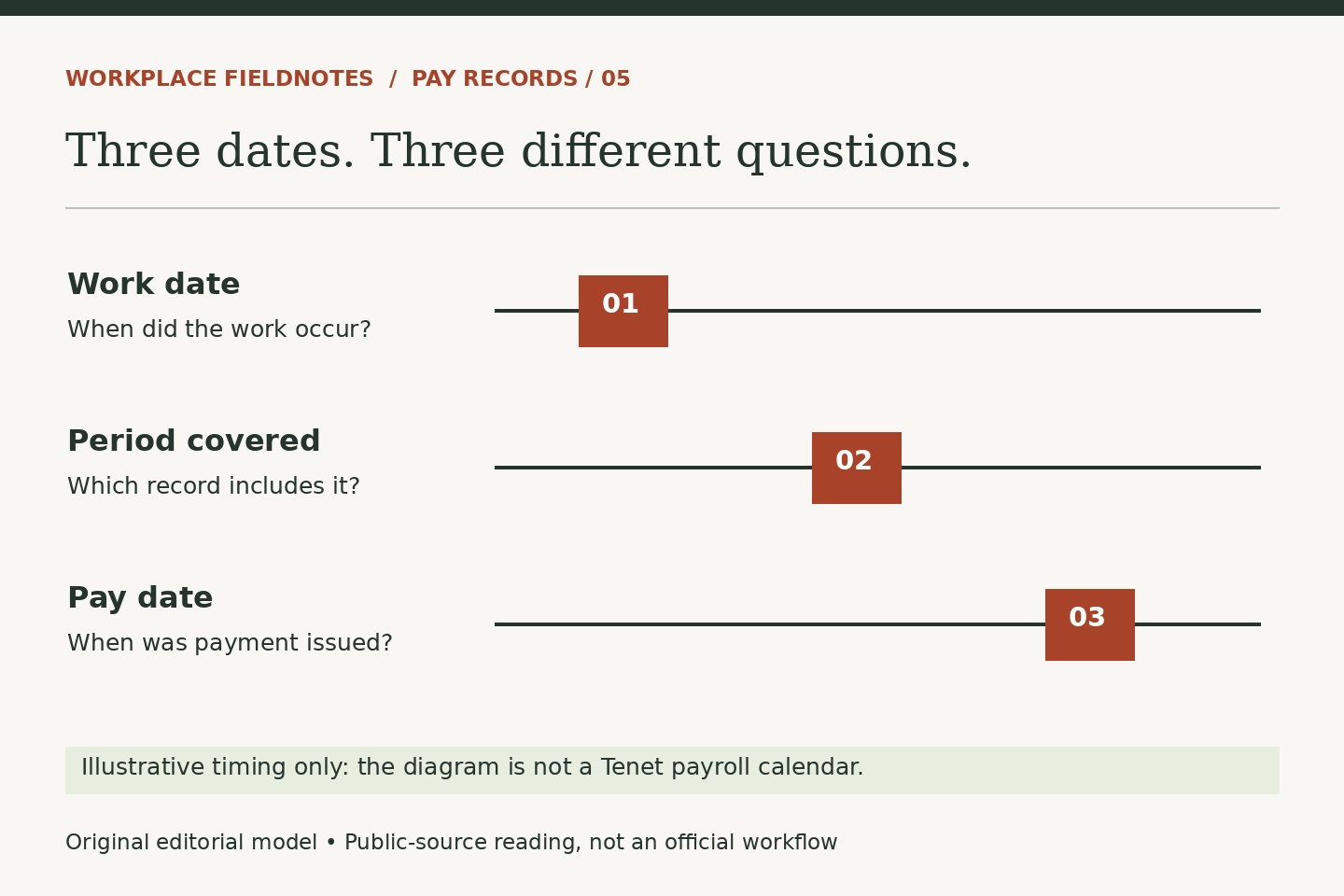
Hypothetical example: one shift, two statements
Suppose Casey worked September 8. In this invented example, the employer identifies September 13 as the period end and September 18 as the associated payday. Casey is concerned about an entry on the September 18 statement. Those three dates let a reviewer locate a particular shift, a particular processing period and a particular payment. None of these dates represents an actual Tenet schedule.
Now suppose Casey submitted a time correction after noticing the discrepancy. The next inquiry should ask which statement will reflect the reviewed correction and how it will be identified. It should not assume that submission, approval and payment happen simultaneously. If a later statement contains an adjustment, Casey can match its description and amount to the original issue rather than treating it as unexplained extra income.
Separate missing hours from a changed deposit
Once the dates align, decide what differs. Are the recorded hours different from your work record? Is an earnings category unfamiliar? Or do the earnings appear expected while deductions change the deposit? These are different questions. Ask for an explanation of the specific line rather than guessing at taxes, benefit elections or a pay-rate change from the deposit alone.
A concise message might identify the work date, pay-period range, statement date and disputed entry, then ask what record explains the difference. Use the authorized payroll channel for your employer and share only the necessary portions of a statement. Keep account numbers and unrelated personal details out of general messages. Finally, retain the response and the later statement, if one is expected, so the question ends with verification rather than a remembered promise.
Read next: From Scheduled Shift to Paid Hours: What Records Can Explain, or Write an Employee-Record Question That Can Be Resolved.